
A local-only MCP server runs on your own computer and answers only programs on that computer, so there is no cloud relay between your data and the tool reading it, and no API key or account for the server itself. It does not mean your data never leaves the machine. The tool you connect, such as Claude Code or Cursor, reads from the local server and then sends what it read to its model provider as part of your conversation.
So "local-only" is a true promise about one hop, not the whole trip. This piece covers both hops, how one local server is actually built, and what to ask of any server before you connect it.
What does "local-only MCP" actually mean?
It means the MCP server, the program that holds your data and answers requests, runs on your machine and accepts connections only from your machine.
The Model Context Protocol specification defines two standard transports, and both can be local:
- stdio. The client launches the server as a child process and they talk over standard input and output. Nothing listens on a network port. The MCP architecture overview uses Claude Desktop launching a filesystem server this way as its example of a "local" server.
- Streamable HTTP. The server is its own process that accepts HTTP POST requests at one
endpoint. That endpoint can be on the internet, which people call a "remote" server, or it can
listen only on
127.0.0.1, the loopback address that never leaves your Mac.
"No cloud relay" means the request from the tool to the server stays on your machine instead of passing through the server maker's infrastructure. "No API key" means you do not sign up with the server's maker for a credential; a local HTTP server still needs a secret, but it is generated on your machine. "No account" means the server has no login. The tool you connect almost certainly does: Claude Code, Cursor and Codex all run under an account with their maker.
Is a local MCP server safe?
A local MCP server is safe when only the programs you chose can reach it and it can do only what you allowed. Being local is the start of that, not the whole of it.
The spec's Streamable HTTP security section
says servers must validate the Origin header to prevent DNS rebinding, should bind only to
127.0.0.1 rather than all network interfaces when running locally, and should implement proper
authentication. Without those, it warns, "attackers could use DNS rebinding to interact with local
MCP servers from remote websites." DNS rebinding lets a web page in your browser send requests to a
port on your own machine, so loopback alone does not keep a careless server private.
The spec's security best practices add that local servers "may be accessible to other processes running on the user's machine", and recommend stdio, which limits access to the client that launched the server, or, for HTTP, an authorization token.
The other half of safety is what a tool can do once it is in. A server that can only read is a smaller risk than one that can delete, and one that keeps private items out of reach entirely is smaller still.
What data moves where when Claude or Cursor reads your notes?
Two hops happen, and only the first is local.
Hop one, tool to server. You ask a question, the tool calls the server, for example a search, and the server answers with matching notes. With a loopback server this happens entirely on your Mac.
Hop two, tool to model. The tool hands that answer to the language model. The MCP architecture overview says the client routes the tool call to the server, executes it, "and returns the results back to the LLM as part of the conversation flow." Unless the model runs on your machine, the text of the notes the tool read goes over the internet to the model provider, with your prompt.
What happens next is set by the provider, not the MCP server. Each vendor's own docs say this:
- Claude Code. Anthropic's data usage page says Claude Code "runs locally" and, to reach the model, sends data over the network, including "all user prompts and model outputs". On Free, Pro and Max plans that data is kept 30 days if you do not allow model improvement and five years if you do. Commercial accounts default to 30 days.
- Claude Desktop and claude.ai. Anthropic's privacy article says a deleted conversation leaves back-end storage within 30 days, and that with model improvement on, data may be kept de-identified for up to five years.
- Cursor. Cursor's data use page says "even if you use your API key, your requests will still go through our backend", where it builds the final prompt. With Privacy Mode on, Cursor says it does not train on your data and has zero data retention agreements with its model providers.
The Claude Desktop connector nuance
Anthropic's article on custom connectors using remote MCP says that "Claude connects to your remote MCP server from Anthropic's cloud infrastructure, rather than from your local device", in every Claude client including Claude Desktop, and that the server must be reachable over the public internet.
So a connector request starts in Anthropic's cloud, not on your Mac, and a server that answers only
on 127.0.0.1 cannot be reached that way at all. The same article says local servers set up in
claude_desktop_config.json are a separate mechanism that does use your local network. If you use
Claude Desktop, check which of the two your setup is before you trust the word "local". The
MCP setup guide and the
Claude and Cursor walkthrough show the
config-file route for HushNotes, tested in October 2026.
The whole trip in one table
| Step | Where it happens | What crosses |
|---|---|---|
| You send a prompt | Your Mac to model provider | Your prompt |
| The model asks for a tool call | Model provider to your Mac | The tool name and arguments |
| The tool calls the local server | Your Mac, over loopback | The request, and the notes or snippets that answer it |
| The tool returns the result | Your Mac to model provider | The text of those notes |
| The provider keeps the conversation | Provider's servers | As its retention policy says |
A local server controls the third row and shapes the fourth, by deciding what it hands over. It has no say over the rest.
How the HushNotes MCP server is built
HushNotes is a notes app for the Mac, and its MCP server is one we can describe from the code.
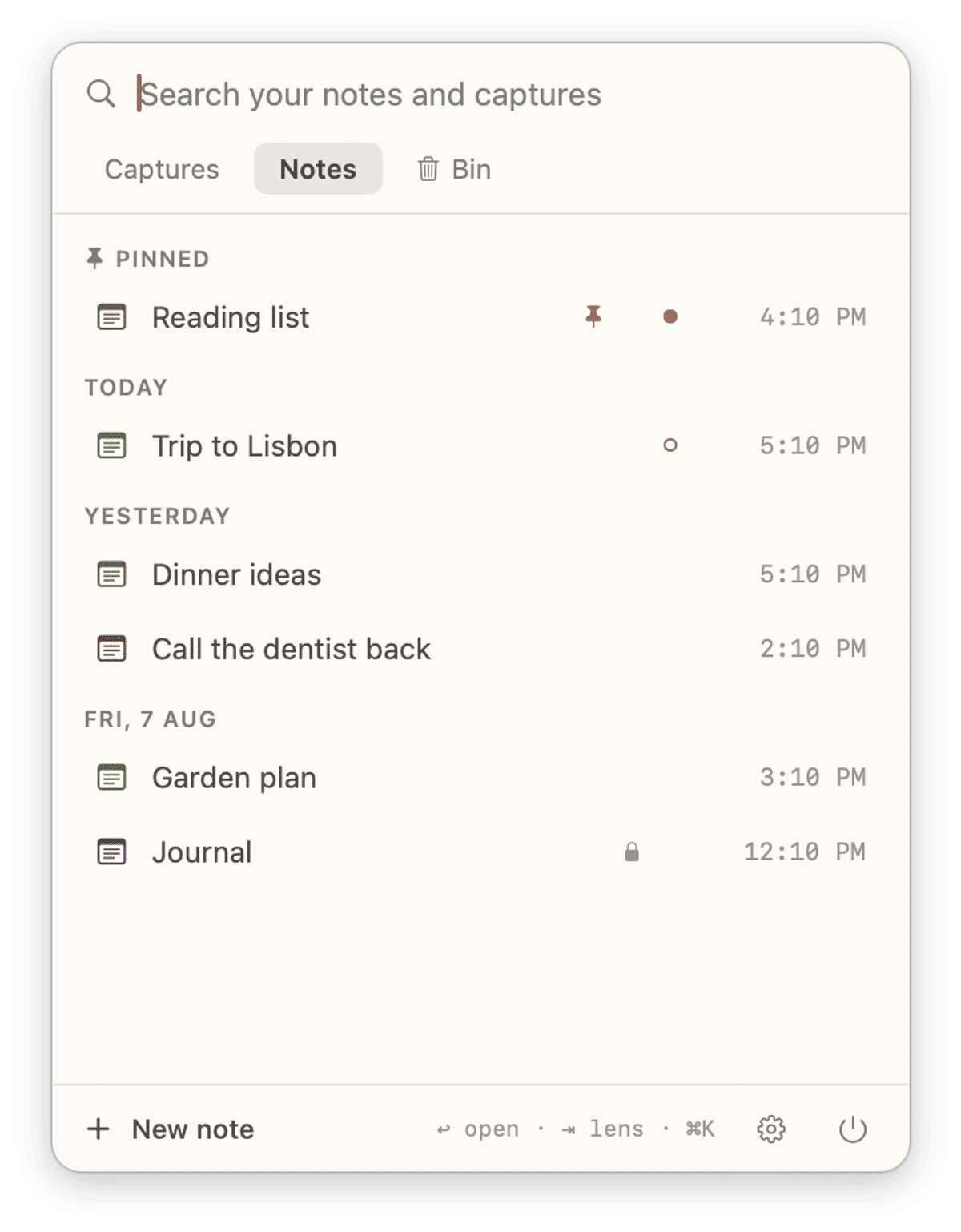
Where it listens
- Off by default. Nothing listens until you turn on Settings › Connections › Let external tools read your notes (MCP), and it stops when you quit HushNotes.
- Loopback only. The listener requires the loopback interface, so it answers on
127.0.0.1and nowhere else. The default port is 48219; if that is taken it tries the next ports up, and Status in Settings shows the real one. - Streamable HTTP only. Each request gets one JSON reply and the connection closes. There is no stdio command.
- Origin and Host checks. A request whose
Hostis notlocalhost,127.0.0.1or::1, or that carries anOriginfrom a web site, is refused with403 Forbidden.
How it authenticates
- A token made on your Mac. HushNotes generates a random 24-character token and keeps it in
your Keychain. It is the end of the URL Settings shows,
http://127.0.0.1:48219/mcp/<token>, or a tool can send it as a Bearer header. A missing or wrong token gets401 Unauthorized. - Approval per tool. The first time a tool connects, a card names it, such as "claude-code wants to read your notes", and holds the request until you answer. Allow remembers the tool by name. Deny, or no answer within 60 seconds, refuses it.
What a tool can do
| Tool | What it does | Available at |
|---|---|---|
search_notes |
Keyword search: id, title, short snippet, date | Read-only and Read & write |
list_notes |
Lists all, pinned or recent notes | Read-only and Read & write |
read_note |
One note's title, Markdown body and dates | Read-only and Read & write |
create_note |
Adds a new note | Read & write only |
- Read-only is the default. Access in Settings › Connections stays on Read-only until
you choose Read & write. Until then
create_noteis not offered, and a call to it anyway is refused. A read-only tool that later tries to create a note brings the card back: "claude-code now wants to create notes too". - No edit, no delete. No tool exists for either.
- Locked notes are excluded. Locked notes and notes in the Trash never appear in a search or a
list, and
read_noteon one returns "note not found", the same answer as an id that never existed, so the error cannot reveal that a private note exists. - Pictures stay put. A picture appears in the body only as a reference; the image is not sent.
What it logs, and how to take it back
The MCP code writes no log line per request and never logs note text. It has three log lines, and they concern the token and a one-time migration of approvals; none names a note. Approvals are kept as a name, a level and a date.
Three controls sit in Settings › Connections:
- Revoke next to a tool removes that tool. The others keep working.
- Regenerate token changes the URL and clears every approval, so any tool you want back needs the new URL and a fresh Allow.
- Switching it off stops the listener entirely.
Where it is weaker than it sounds
- The name on the card is the name the tool gives itself. HushNotes ties each approval to that name and signs it with the token, but a program that already has the token could connect under an approved tool's name. The token is the real key.
- Your tool's config file holds the token. Cursor, Codex and Claude Desktop keep the URL,
token included, in files such as
~/.cursor/mcp.json,~/.codex/config.tomlandclaude_desktop_config.json, and Claude Code keeps it in its own settings. Anything that can read those files can read your unlocked notes while HushNotes is running. If you suspect that, click Regenerate token.
Threat model: what local-only protects against, and what it does not
| Threat | Protected? | Why |
|---|---|---|
| Someone on your Wi-Fi or office network | Yes | The listener requires loopback |
| A web page probing local ports | Yes | A foreign Origin or Host gets 403, and the token is still required |
| A local program without the token | Yes | It gets 401 |
| A tool you never approved | Yes | It gets nothing until you click Allow |
| A connected tool deleting or rewriting notes | Yes | No edit or delete tool exists |
| A connected tool reading locked notes | Yes | Excluded at the query layer, with no telltale error |
| A program that reads your tool's config file | No | That file holds the token |
| Malware running as your user account | No | It can do what you can do |
| Your model provider seeing notes the tool read | No | That is hop two, under the provider's policy |
| A note's text steering the tool | No | The tool must handle that; read-only and no delete limit the damage |
What to ask of any MCP server before you connect it
If the answer is not in the docs or settings, treat that as an answer.
- Where does it run? On your machine, or on the maker's servers?
- What does it listen on? A stdio process, or HTTP bound to
127.0.0.1? One bound to all interfaces is reachable from your network. - What stops another program using it? A token, plus an
Origincheck if it speaks HTTP. - Does it ask before a new tool connects? And can you revoke one tool without the others?
- What can it change? Read-only by default is the safe shape. Can it edit, delete, send or run anything, and is that a switch you turn on?
- What does it refuse to hand over? Private items should be out of reach, not just unlisted.
- What does it log? A server that logs full requests keeps a second copy of your data.
- How do you turn it off, and invalidate every credential at once?
- What does your tool do with the results? That is the provider's policy. Read it once.
What HushNotes does and does not do
HushNotes lets Claude Code, Cursor, Codex, Claude Desktop through a bridge, and other MCP clients that can reach a local HTTP server search, list and read your unlocked notes, and, if you choose Read & write, add new ones. It never edits or deletes a note, never exposes a locked one, and answers only on your Mac while the app runs. It cannot decide what your tool's provider does with what it reads, and it cannot protect the token from a program that can read your files.
The MCP setup guide has the steps per tool, and reading your Mac notes from Claude or Cursor covers using it day to day. For where any notes app keeps your words, see note apps that do not need an account.
How we checked (October 2026): HushNotes behaviour comes from the app's source code, protocol
details from the MCP specification, and data handling from the Anthropic and Cursor pages linked
above. On 11 October 2026, on macOS 26, we connected Claude Code 2.1, Claude Desktop (through
mcp-remote 0.14) and Cursor to a development build of HushNotes. A connection to the Mac's network
address, even from the same Mac, was refused; a wrong token got 401; a foreign Host got 403.
FAQ
Is MCP safe to use?
MCP is a protocol, so safety depends on the server and the tool. A local server that requires a token, asks before each tool connects and cannot delete anything is a small risk; an unknown server that can run commands is a large one.
Can I run an MCP server without an API key?
Yes. A local server needs no key from its maker. A local HTTP server should still use a secret made on your machine, like the token in the HushNotes URL, so other programs cannot use it.
Does a local MCP server keep my notes off the internet?
It keeps the tool-to-server connection on your machine. What the tool reads is then sent to its model provider as part of the conversation, unless the model runs locally.
How do I cut off a tool that can read my HushNotes notes?
Open Settings › Connections and click Revoke next to the tool. To cut off every tool at once, click Regenerate token, or switch the connection off.